📱 Touch play
Mine a Mountain on mobile — climb, tap to mine, and sell at base camp
See **Mine a Mountain Roblox** on touch: move up the mountain, break crystals, and **Sell all** when your bag fills — same loop as PC, different prompts.
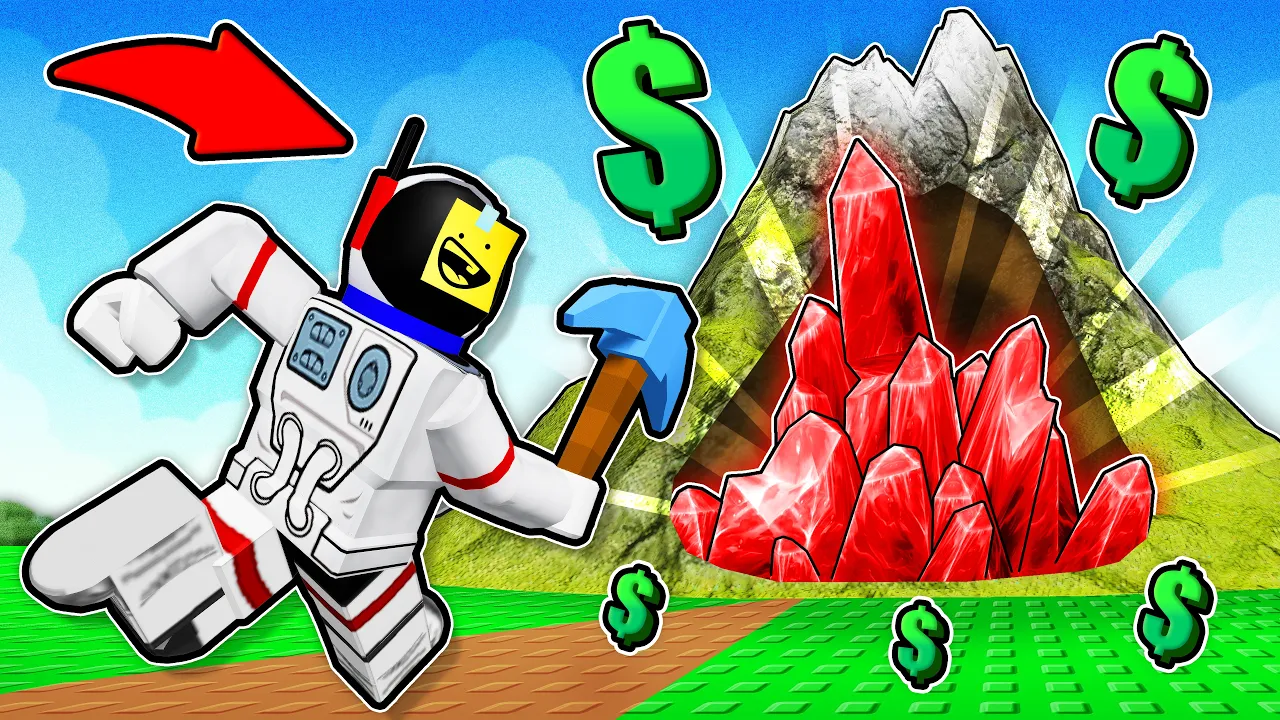
Mine a Mountain mobile Roblox guide — touch inputs for climb-and-sell.
📱 Touch play
See **Mine a Mountain Roblox** on touch: move up the mountain, break crystals, and **Sell all** when your bag fills — same loop as PC, different prompts.
Mine a Mountain runs on Roblox phone, tablet, and mobile app builds with the same climb-and-sell loop as PC — only inputs change. Install from the official game link and confirm creator 10K Steps before following touch tips meant for other mining games.
This Mine a Mountain mobile guide covers tap-to-mine, on-screen move pads, vendor Sell all prompts, shop scroll friction, and upgrade order tuned for smaller screens in Mine a Mountain Roblox.
Mobile lacks PC Backspace dropping — many phone players sell early and buy carry weight instead of dropping commons on the slope. See how to drop items for platform differences.
Full cross-platform inputs live on controls. Start with the beginner guide if you have not finished your first sell yet.
Community clips show thousands of concurrent Mine a Mountain Roblox players on trending days — mobile servers feel crowded; expect more too far to dig and shop scroll reports when daily population spikes.
Equip your pickaxe on the hotbar, stand near a crystal, and tap to swing in Mine a Mountain. Hold still and tap again if the first swing misses — mobile camera drift causes extra too far to dig messages.
Step toward the node until the warning clears. This is the top mobile friction point in Mine a Mountain Roblox — not broken controls.
Some rock needs higher pickaxe tiers — epic or higher pickaxe text means upgrade at spawn or mine softer layers. Compare pickaxes before blaming touch input.
Digging tunnels on phone feels touchy on narrow paths — gameplay warns about claustrophobic digs and fall damage. Surface routes are safer until warmth and kg stabilize.
| Action | Mobile input | Tip | Tier |
|---|---|---|---|
| Mine crystal | Tap on node | Step close first | S |
| Move | Floating joystick | Keep thumb on pad | S |
| Camera | Drag empty screen | Set angle before mining | A |
| Equip pickaxe | Hotbar tap | Confirm tool active | S |
The floating joystick moves your avatar up Mine a Mountain slopes. There is no dedicated sprint key — progress comes from warmth and route choice, not a hidden run button.
Lock camera angle before mining — spinning view while tapping often moves you out of range and wastes warmth time.
Fall damage ends mobile climbs fast. Walk zigzag down dug paths instead of jumping off cliff edges when your bag holds a big sell.
The height meter on the HUD still tracks altitude on mobile — use it to learn when cold starts on your account.
When your backpack fills, return to spawn and tap the interact prompt at the crystal vendor — choose Sell all crystals like PC E sell flows.
Walk to warmth, pickaxe, and carry weight shops with the same interact taps. Spending order matches best upgrades — mobile only adds UI friction, not different stats.
If sell buttons freeze after hourly reset, rejoin once — see stuck fixes.
Short climbs beat heroic peak pushes on phone when the Mountain range timer is low — hourly mountain guide.
| Step | Mobile | PC equivalent | Tier |
|---|---|---|---|
| Sell crystals | Tap vendor prompt | E + Sell all | S |
| Buy upgrade | Tap shop row | Click shop UI | A |
| Open hotbar | On-screen slots | Keys 1–0 | B |
| Inventory | Roblox menu | Backtick key | B |
Pickaxe shop can't scroll is a common Mine a Mountain mobile search — rotate landscape, lower Roblox UI scale, or rejoin if the list loaded frozen.
Tap the shop panel border before dragging — some clients scroll the camera until the shop frame has focus.
If prices look wrong after a patch, compare pickaxes and updates — scroll bugs and balance changes are separate problems.
Mine a Mountain backpack limits use kilograms on mobile the same as PC. Too big to carry means upgrade carry weight at spawn — not faster tapping.
Without Backspace, skip dropping and sell commons at the vendor when full. Upgrade +kg when heavy rares block every climb.
Track sell timing on the cash guide — mobile walks feel longer, so early sells can beat overfilled bags.
Compare worst kg crystals in your bag before leaving the mountain — same backpack math as PC, only the drop shortcut differs on Mine a Mountain mobile.
Mobile Mine a Mountain Roblox sessions run slower per minute without keyboard shortcuts — blocker-first spending matters more than on PC.
If cold stops you, buy warmth before flashy pickaxes. If kg blocks rares, buy carry weight before epic-tier tools you cannot fill.
If mining feels slow but survival is fine, upgrade pickaxe power at spawn — verify live prices on pickaxes after patches.
Use the mountain run planner when one sell must fund exactly one upgrade — phone UI makes impulse buys costly.
| Mobile symptom | Buy first | Tier |
|---|---|---|
| Freezing stops your climb | Warmth | S |
| Backpack fills too fast | Backpack / carry weight | S |
| Mining feels slow | Pickaxe power | A |
| Rare crystal drought | Digging Luck (+ group bonus) | B |
The Mountain range countdown still runs on mobile — watch the HUD before starting a long peak push on a small screen.
Sell before the timer hits zero when your bag holds value — phone walks back to spawn are slower than PC muscle memory routes.
After swap, scout the lower slope once — touch camera makes blind peak rushes worse on bad Mine a Mountain seeds.
Phone players benefit from shorter Mine a Mountain mobile sessions: sell, upgrade, quit before timer stress — same economy, less fall-risk fatigue on small screens.
Lower Roblox graphics quality if mining stutters on old phones — Mine a Mountain terrain digs still stress weak GPUs.
Use Wi-Fi for first asset download; moderate mobile data works once cached.
Close background apps before long Mine a Mountain Roblox sessions — battery drain is real on climb grinds.
Clean the screen if taps register late — Roblox needs direct touch, not filtered overlays.
Tablet landscape mode gives more shop scroll room than phone portrait — rotate before blaming Mine a Mountain mobile controls for a frozen pickaxe list.
If audio makes long grinds harder, use device volume — Mine a Mountain Roblox music controls vary by client version; check updates after patches.
Yes — Roblox (PC, mobile, console, VR) includes phone and tablet via the Roblox app.
Equip pickaxe, step close to crystal, tap to swing until loot enters your bag.
Return to spawn, tap vendor interact, choose Sell all crystals.
Rotate device, lower UI scale, tap shop panel, rejoin once — see stuck fixes page.
Dropping is limited vs PC Backspace — sell early and upgrade kg instead.
Matched by build plan, shared topics, and guide progression — not random related links.