🥶 Cold climb demo
Mine a Mountain warmth upgrades — pushing higher before you freeze
See how **Mine a Mountain Roblox** players buy warmth levels, still hit cold near the peak, and pair heat upgrades with carry weight for long climbs.
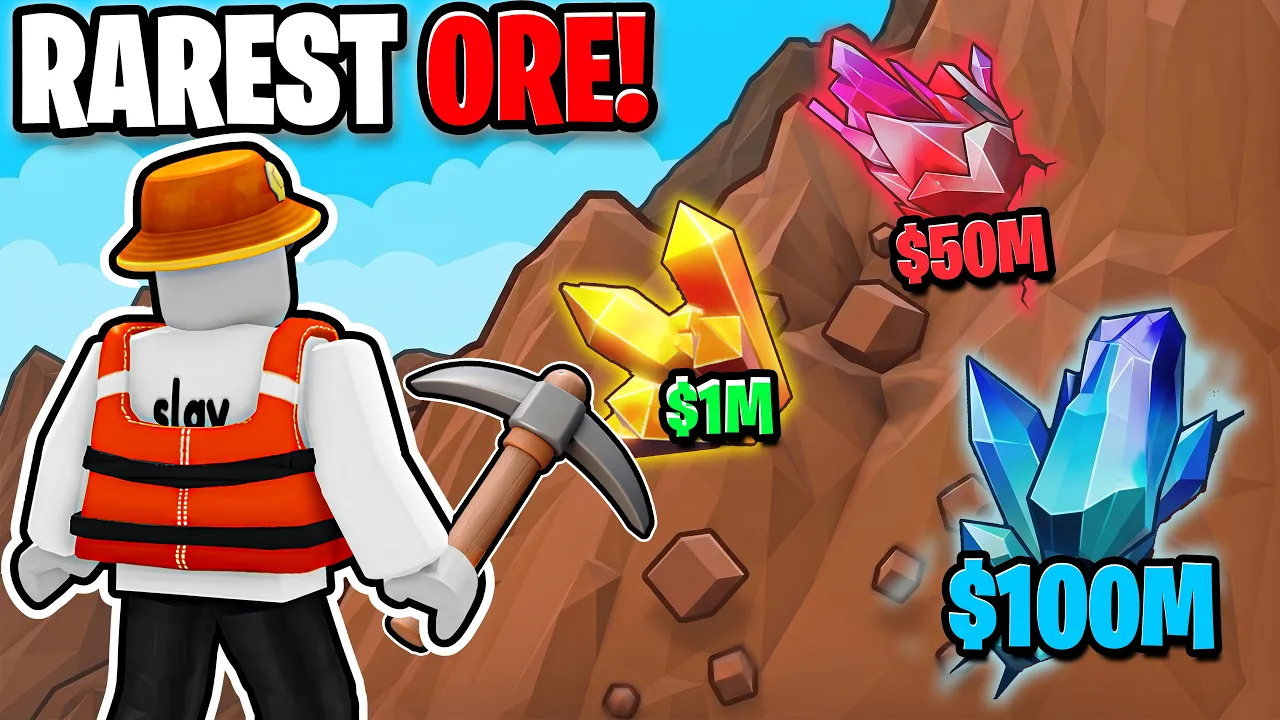
Mine a Mountain cold damage and warmth levels explained.
🥶 Cold climb demo
See how **Mine a Mountain Roblox** players buy warmth levels, still hit cold near the peak, and pair heat upgrades with carry weight for long climbs.
The official Mine a Mountain description warns: "Don't freeze, the top is COLD!" Warmth is the upgrade line that lets Mine a Mountain Roblox players stay at higher altitude long enough to mine valuable crystals before cold ends the run.
Freezing is not a random bug — it is the game's pressure on vertical progression. Low warmth accounts farm the lower mountain safely; mid warmth opens crystal bands mid-slope; high warmth pushes toward peak spawns before the hourly reset. Warmth does not make you mine faster — it gives you time to use your pickaxe.
This Mine a Mountain warmth guide explains when to buy heat levels, how freezing feels in live climbs, and how warmth interacts with backpack kg and pickaxe power. Costs are community-reported and need in-game confirmation after patches (July 2026 baseline).
If cold is not your problem — only slow mining or full bags — skip ahead to best upgrades and fix the right bottleneck first.
Altitude drives cold in Mine a Mountain. The base of the mountain is comfortable; the peak is hostile. The exact damage curve is not published as numbers on the official page — players learn it by climbing until health drops or freeze warnings appear.
Gameplay shows climbers still freezing near the top even after buying large warmth increments (+50, +100, +200 style purchases on upgrade UI). That means warmth is a ladder, not a one-time unlock. Each session pushes your maximum height slightly higher until the next tier of crystals justifies another warmth buy.
Cold ends runs in two costly ways: you leave profitable crystals unmined, or you teleport home mid-climb and waste time. Warmth upgrades reduce how often that happens. They do not replace selling trips — you still convert crystals to cash at the vendor.
Fall damage from jumps on steep Mine a Mountain Roblox slopes is a separate hazard from freezing. Watch footing while chasing altitude; see controls for movement basics.
| Signal | Likely cause | First fix | Tier |
|---|---|---|---|
| Freeze warning near peak | Warmth too low for height | Buy warmth at spawn | S |
| Die quickly after climbing high | Cold + low warmth total | Warmth before pickaxe | S |
| Cold OK but bag full | Carry weight limit | Backpack upgrade | S |
| Cold OK, bag OK, slow mining | Pickaxe power | Pickaxes Shop | A |
Learn the early Mine a Mountain Roblox signals before health melts. Screen warnings to climb down, faster damage ticks, and shorter time on steep upper paths all mean warmth lagged behind your route — not that the mountain is "bugged."
When those signals appear, note your altitude and sell on the next trip. Buy one warmth upgrade and retry the same line. Mine a Mountain warmth progress is measurable in extra vertical meters per run, even when the peak still feels brutal.
If signals never appear but runs still fail, the blocker is not warmth — switch to best upgrades and fix backpack or pickaxe instead.
Buy warmth in Mine a Mountain when cold — not pickaxe speed or bag space — is the reason your run ended. Repeat the same climb route after each warmth purchase. If you reach the same flag or crystal band without retreating, the upgrade paid off.
Community beginner routes suggest several early warmth levels before heavy pickaxe spending — enough to reach first valuable crystal layers without turning back every minute. Exact "five upgrades" style targets are planning aids; your mountain hour and account state matter more than a fixed number.
Stop prioritizing warmth when you can idle at your target altitude without freeze pressure and another stat clearly fails first. That is the handoff point to best upgrades pickaxe or backpack focus.
Use the warmth calculator to compare your estimated warmth level against a climb goal, then verify on the live mountain.
Warmth opens altitude; pickaxe converts altitude into cash per minute; backpack ensures a legendary crystal actually reaches the vendor. Mine a Mountain Roblox runs fail when players max one stat and ignore the other two.
Live sessions show endgame climbers buying carry weight and warmth in the same trip — for example stacking +100 warmth alongside kg upgrades before a long peak push. Total warmth in deep runs can reach hundreds or thousands on community accounts while kg caps still block the heaviest loot.
Buying warmth while your pickaxe cannot break mid-layer rock wastes heat timer on nodes you cannot clear. Buying warmth while your bag cannot hold peak rares wastes altitude on crystals you must leave behind. Pair heat with the pickaxes tier that matches your layer.
Plan combined spending on the mountain run planner when cash covers only one shop visit.
| Stat | Pairs with warmth when… | Shop | Tier |
|---|---|---|---|
| Pickaxe | You freeze high but also hit slowly | Pickaxes Shop | A |
| Backpack | You freeze OK but kg blocks peak rares | Carry weight upgrades | S |
| Sell timing | Warmth extended climb but bag full | Vendor / teleport home | A |
The official page promises a new mountain every hour. Layout and crystal spread change on that timer. Warmth planning still applies — cold does not turn off on a "bad" hour — but your route efficiency might.
Some players sell and upgrade warmth before the reset when a climb is going well; others start fresh routes after the swap to scout new crystal clusters. Read the hourly mountain guide for reset habits.
Do not burn all cash on warmth minutes before reset unless you can finish the climb and sell in time. A half-finished warm push across a mountain swap wastes both time and coins.
After each Mine a Mountain update, retest freeze height on the first hour of a new layout — collision and spawn tweaks can change climb lines.
Buying a flashy pickaxe while still freezing mid-mountain is the classic Mine a Mountain error. You own power you cannot use before cold sends you home.
Ignoring freeze warnings to "get one more crystal" often costs more than the crystal was worth — especially when fall damage stacks on steep paths.
Assuming one warmth purchase permanently solves the peak. Top Mine a Mountain Roblox layers stay cold; expect repeated warmth spending as you chase higher rarity bands.
Confusing Mine a Mountain with other Roblox climbing games that use different cold rules. Verify on Place ID 125927821145949 only.
Higher altitude is colder on the official mountain. Raise warmth to stay longer, or climb lower until you can afford upgrades.
No. Warmth affects survival time at altitude. Pickaxe power affects break speed.
Enough to reach the crystal layer you want before cold ends the run — it rises as you push higher. Use the warmth calculator, then test in-game.
Warmth if freezing stops you. Backpack if cold is fine but kg blocks heavy crystals.
The official page warns the top is cold. Endgame is managing freeze risk, not removing it entirely.
Matched by build plan, shared topics, and guide progression — not random related links.